livestep - AI solutions for automated customer communication
Media Manager

Images and videos
that know your company.

No generic prompting. Media Manager uses your Knowledge Hub — brand, products, tone and audiences — and creates assets that feel positioned.

Assets with brand context

Every image and video is built from what lives in your Knowledge Hub — not from an empty prompt.

Maintain once, use everywhere

Audience, USP and tone flow into the prompt automatically. You don’t re-explain your company every time.

Leading models, one place

Image and video models inside the platform — with the same company context.

You explain.
Again and again.

Every new asset starts with the same briefing — until the AI understands who you are.

The same briefing every time

Who are we? What’s our tone? Who do we speak to? You answer these with every new prompt.

Generic outputs

Without company context, images and videos look interchangeable — not like your brand.

Context in ten tools

Brand guidelines here, personas there, product copy elsewhere. Media Manager pulls it all from the Knowledge Hub.
Knowledge Hub

Your company context
flows into every asset.

What lives in the Knowledge Hub becomes the prompt frame — so image and video feel positioned, not generic.
Who is the asset for? Audience and messaging from the Knowledge Hub flow into prompt, visuals and tone.
Which regions or countries should the asset serve? Market context shapes language, visuals and cultural cues in the output.
What does your company promise? What makes you special? The core promise enters the prompt — so the asset feels positioned, not generic.
Which product or service should take the lead? Name, description and positioning from the Knowledge Hub go straight into the prompt.
What sets you apart from competitors? Your unique selling point gives the AI a differentiation frame — so the asset doesn’t look interchangeable.
Professional, direct, emotional, humorous — your tone is stored and flows into style, visuals and atmosphere of the generated asset.
Multiple audiences, different messaging. You choose which segment the asset is for — and get matching visuals and tone.

Prompt. Generate. Done.

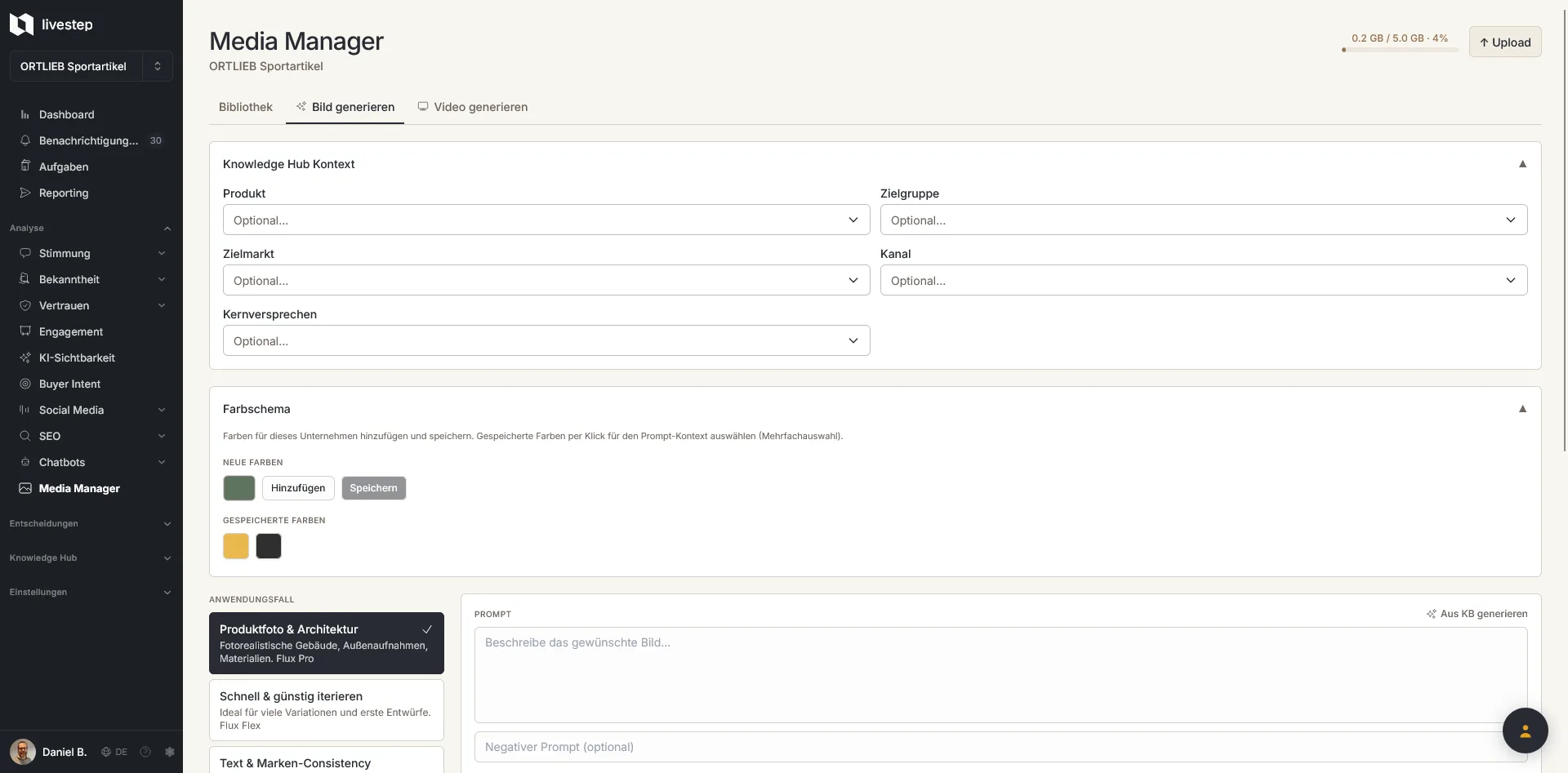
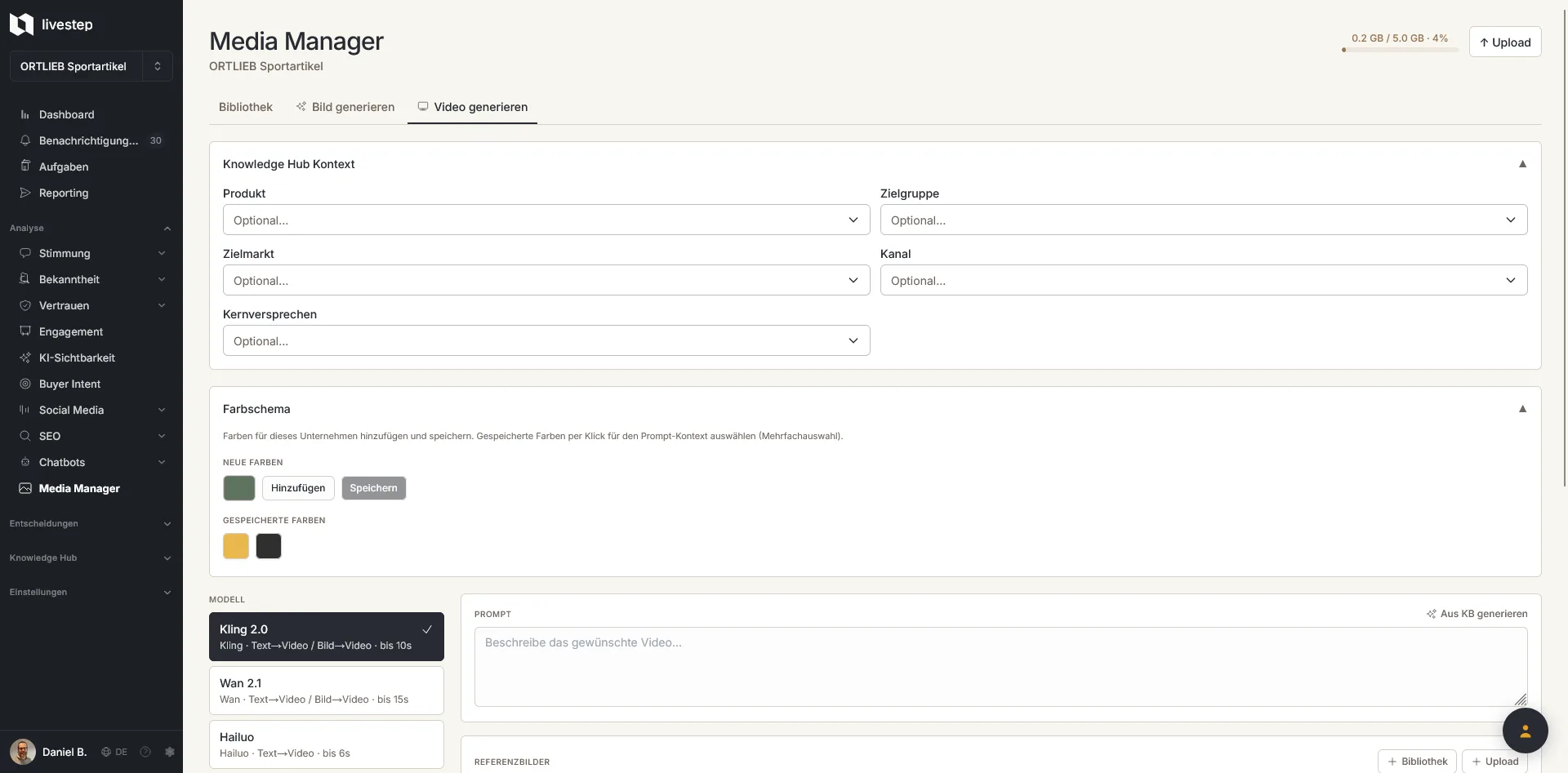
From Knowledge Hub to finished asset — screenshots coming soon. Chatbot placeholders for now.


Media Manager placeholder screenshot

What Media Manager can do.

From idea to finished asset — with your company context as the foundation.

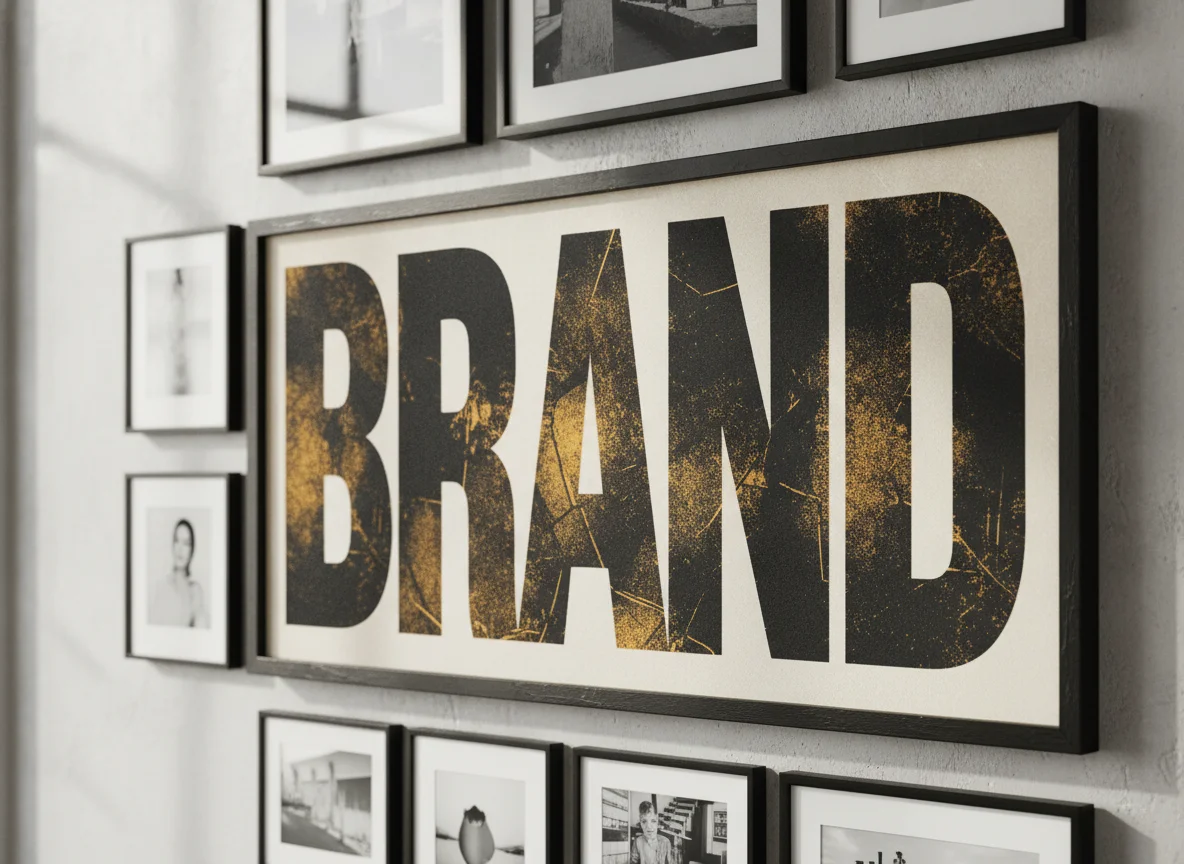
AI image generation

Create images that fit brand, product and audience — not a generic stock look.

Video assets

Short clips and motion formats with the same context as your images.

Controllable parameters

Set format, style and focus — without losing your brand core.

Brand consistency

Tone, colours and positioning stay linked to the Knowledge Hub.

Segment-accurate outputs

Assets for personas and segments — with the right messaging and visuals.

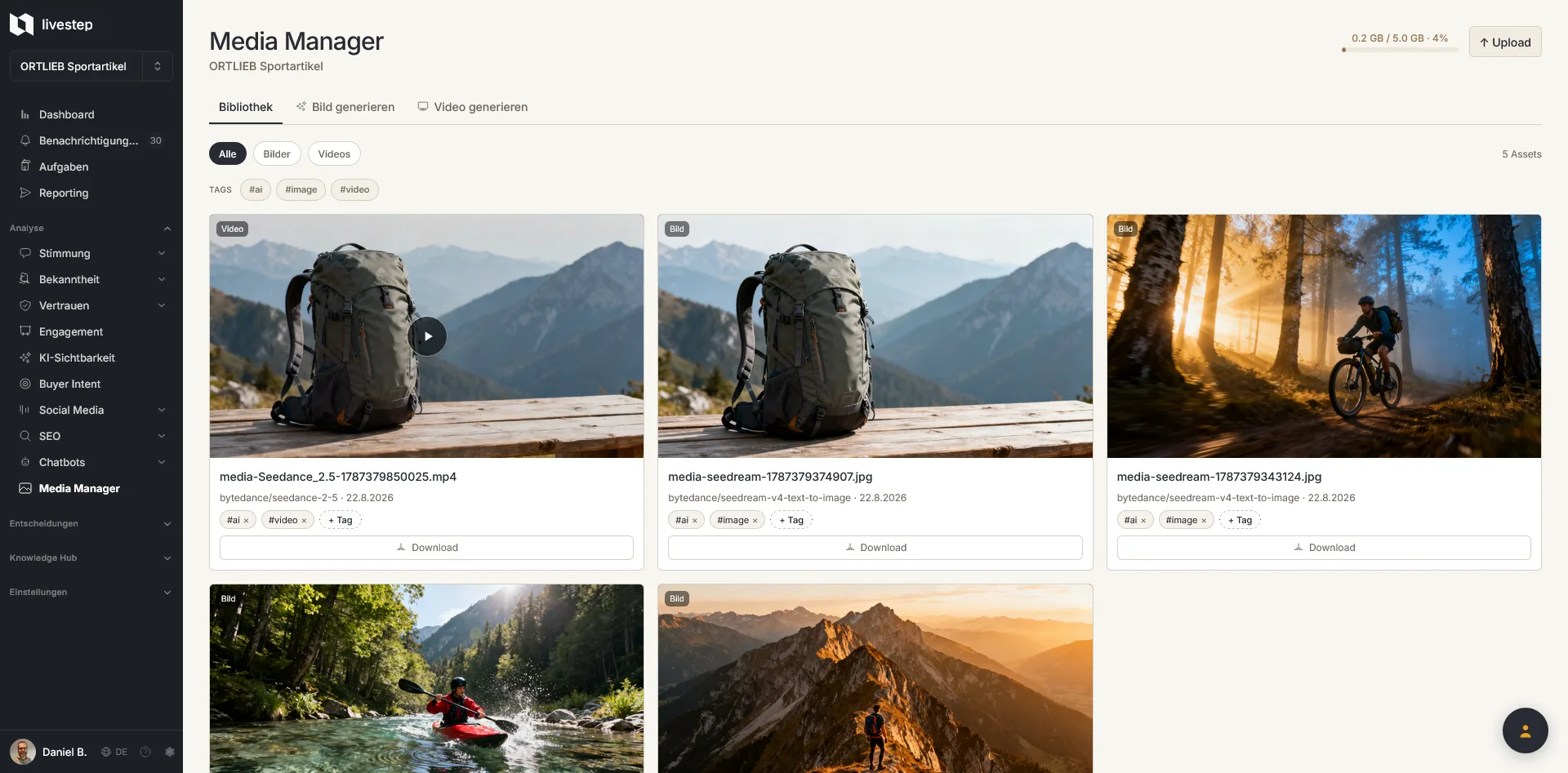
Asset overview

Store generated media in a traceable way and reuse it.
What does it cost?

Credits. Transparent.
Before generation.

You see the estimated credit usage before you generate — no surprises, no hidden cost.
Estimated usage~220 CreditsVideo · 15s · Seedance 2.5Varies by prompt length and model.

Credit usage depends on prompt length, model, format and number of variants. You always see the estimate before you generate.

Images and videos
that know your company.

Start with the platform and use Media Manager where brand context and AI assets belong together.
EU hosting · GDPR compliant No AI use of your data No minimum term 30 years of experience · 600+ projects